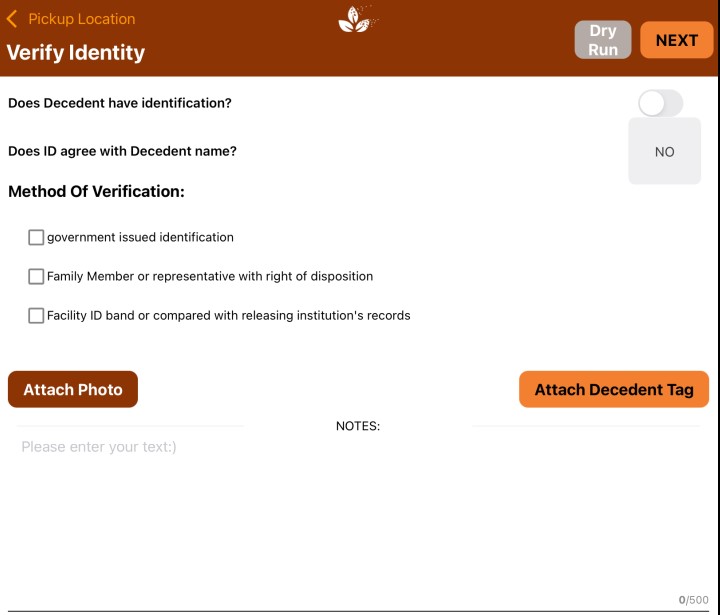
The ID Verification Options section is where you manage and enable the methods of verification you want available as choices for your drivers. The options enabled here will appear for your drivers in the mobile app during the pick-up process, where they will be prompted to verify the identity of the decedent.
Users with Admin access can access these settings by going to the Administration menu, clicking on Settings, then clicking on ID Verification Options.
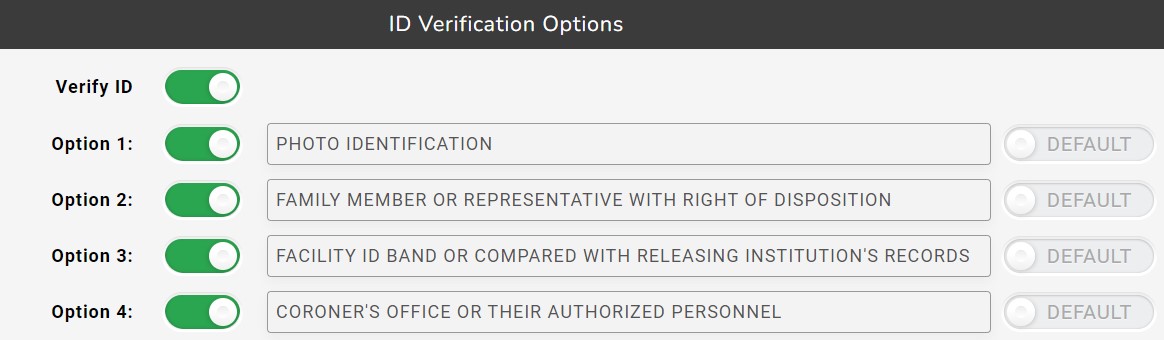
The four default ID Verification Options in MorTrack are:
- Photo Identification
- Family Member or Representative With Right of Disposition
- Facility ID Band or Compared With Releasing Institution's Records
- Coroner's Office or Their Authorized Personnel
By default, ID Verification is a required step when picking up a decedent. To disable this requirement, click on the toggle for Verify ID.
To enable or disable one or more ID Verification options, click on the toggle switch next to the option's description.
Each of the ID Verification options is also customizable. For example, if "Photo Identification" is not sufficient ID for your business, you can edit that option and change it to something like "Government-Issue Identification".
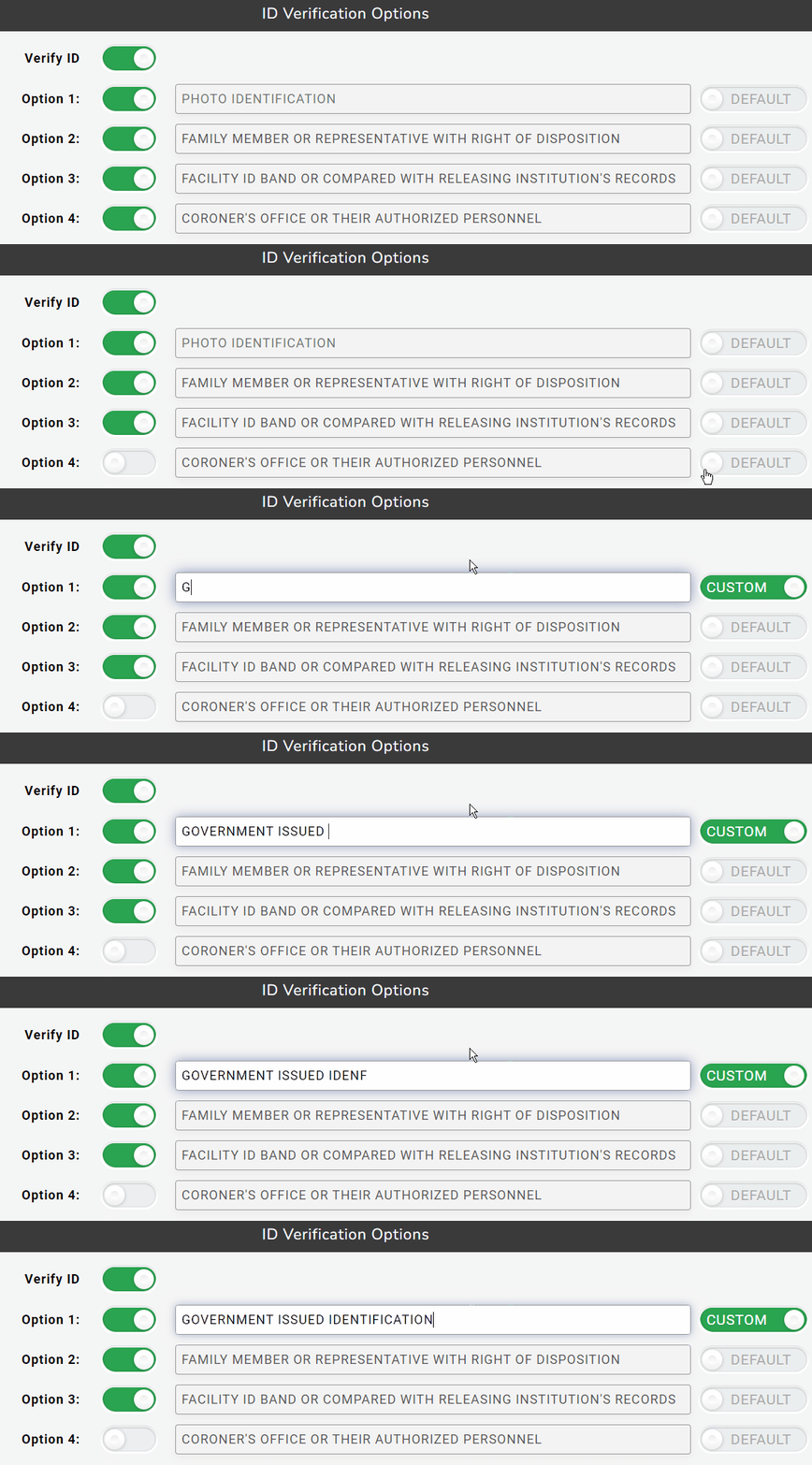
To edit an option, click on the Default toggle switch to the right of it. This will set the slider to Custom. The text field will be made available to edit, allowing you to enter the name of your custom ID Verification option.