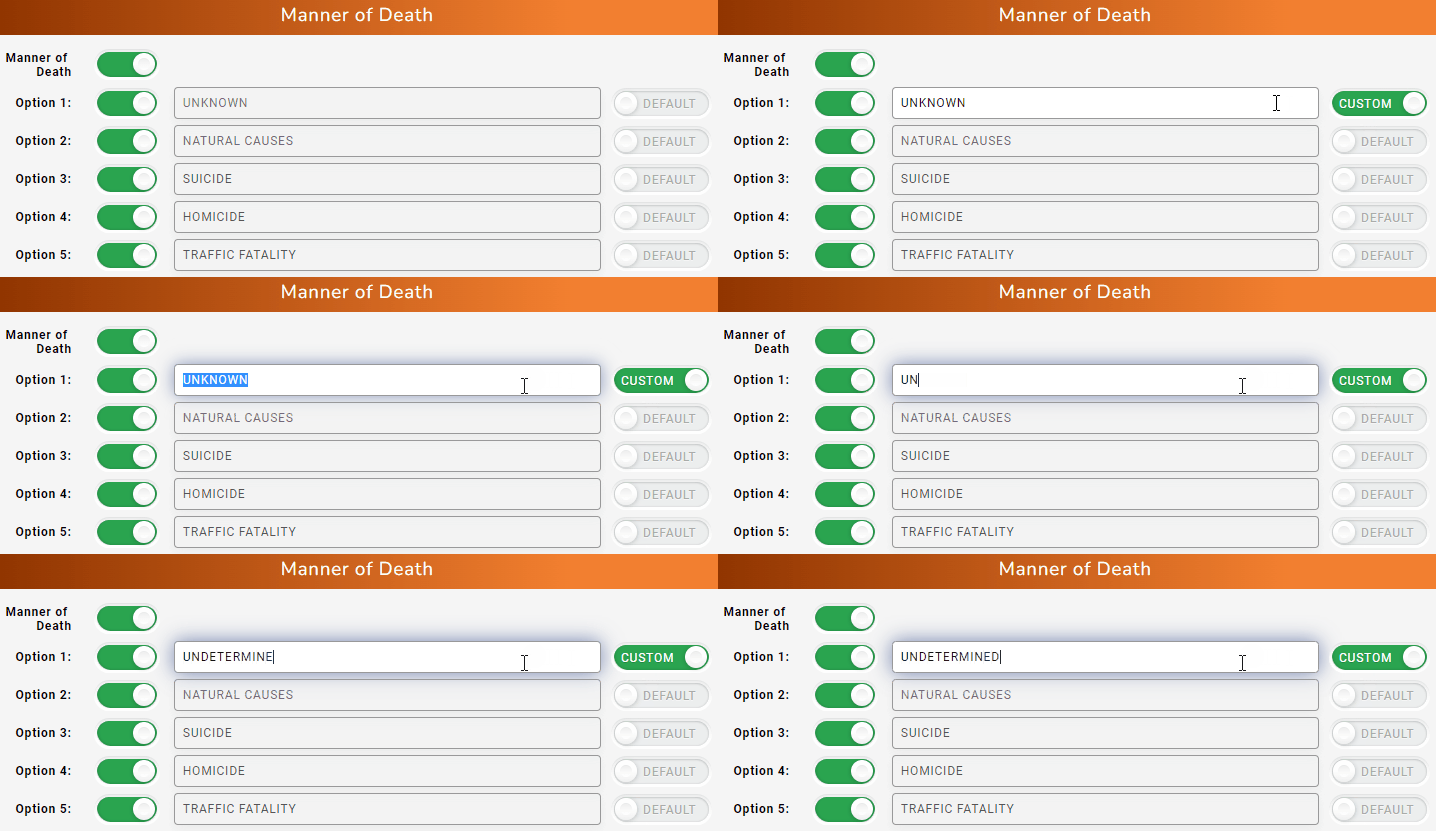
The Manner of Death Settings section has options that you can manage for types of deaths that you would like noted for each of your cases. The options you enable and create will be available on the New Request page, and selecting a Manner of Death will create a note attached to the case.
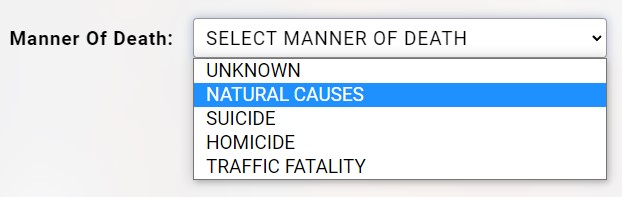
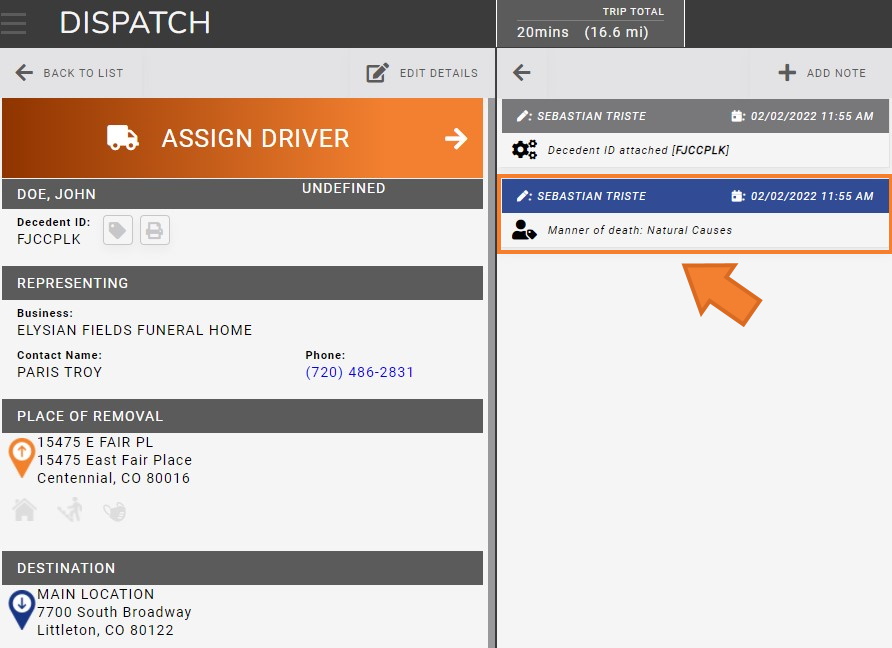
Below is an example of the drop-down menu for selecting the Manner of Death on the New Request page, and the following image is what the note will look like on the Dispatch page.
Users with Admin access can edit these settings by clicking on the Administration icon, clicking on Settings, then going to Manner of Death.
Enabling and Customizing Manner of Death Options
To enable the Manner of Death options so they appear on the New Request page, click on the Manner of Death toggle switch so that it is green. You will also need to enable at least one Option under Manner of Death.
To enable a Manner of Death Option, click on the switch to the left of the option so that it is green. By default, the options are as follows:
Option 1: Unknown
Option 2: Natural Causes
Option 3: Suicide
Option 4: Homicide
Option 5: Traffic Fatality
Each of the options can be edited, so you can customize them to create the best options possible for your customers or users who are creating your cases. To enable editing for an option, click on the Default switch so that it becomes set to Custom. Once set to Custom, the text field for the option should become available to edit, allowing you to enter a different manner of death.